A tool for unbiased, structured, repeatable design exploration.
Overview
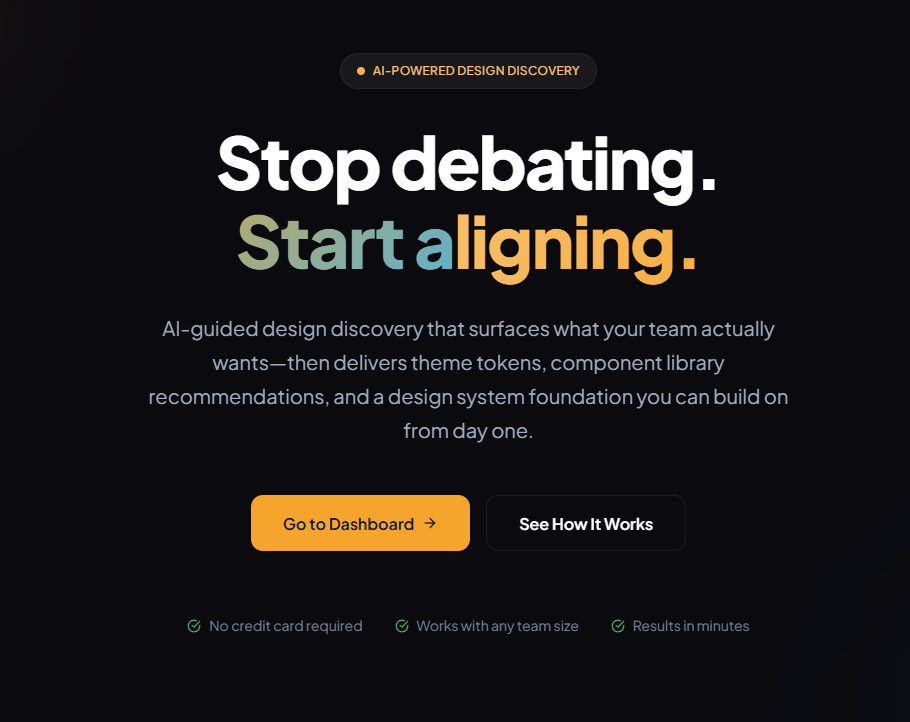
WDWL.io (What Do We Like?) is a lightweight web tool designed to make early-stage design discovery more objective, repeatable, and psychologically safe.
It provides a way to explore product directions by asking an LLM structured questions and using those responses to guide discussion — rather than relying on the loudest voice, highest-paid stakeholder, or any particular person’s bias. The result is a discovery process that is:
- Unbiased — avoids anchoring, dominance, and groupthink
- Structured — driven by consistent question templates
- Exploratory — encourages breadth, not premature decisions
- Fast — participants react to ideas instead of inventing them under pressure
WDWL is especially useful for teams without dedicated UX resources, or for engineers who need a neutral “first pass” when considering UI and product choices.
Core Idea
Design exploration often fails not because ideas are bad, but because the environment rewards confidence over clarity.
WDWL flips that dynamic by:
- Generating options through an LLM, not individuals
- Using controlled, repeatable prompts so the starting point is consistent
- Having the team evaluate ideas indirectly, focusing on underlying principles instead of reacting to a colleague’s preference
The output is higher quality feedback that avoids the classic traps of:
- extroverts dominating quiet voices
- stakeholders anchoring the group with early comments
- HiPPO (Highest Paid Person’s Opinion) dynamics
- rationalizing around pre-decided directions
How It Works
1. You choose a discovery domain
Examples:
- visual design tone / style
- component layout direction
- interaction model
- product framing
- “what problems are users actually trying to solve?”
2. WDWL generates structured question prompts
Prompts are designed around themes such as:
- aesthetics
- hierarchy
- ergonomics
- constraints
- emotional tone
- risks / tradeoffs
These prompts are intentionally neutral and encourage broad exploration.
3. An LLM answers with multiple divergent options
Each option is produced with explicit variation.
This ensures the team is weighing contrasts, not arbitrarily similar choices.
4. The team reacts privately
Participants respond to the content, not the author.
This shifts attention toward fundamentals: clarity, intuition, purpose.
5. WDWL aggregates reactions
Teams identify themes that consistently matter — patterns of preference divorced from team politics.
Why This Matters
Modern teams move fast. Many have:
- no dedicated UX designer
- distributed remote contributors
- a product owner with partial context
- engineering-driven UI evolution
- LLM-generated prototypes that need validation
In these conditions, design decisions often degrade into “whatever we can agree on right now.”
WDWL gives teams a signal-rich, low-friction way to find direction before investing in Figma mocks, coding prototypes, or debating preferences.
Example Use Cases
Exploring Visual Tone
“Generate 3 distinct mood directions for a dashboard UI for a health-tech application.”
WDWL produces directions like:
- clean clinical minimalism
- soft, human-centered warmth
- high-contrast MD/engineering aesthetic
Each gets evaluated independently.
Layout Tradeoff Exploration
“Should this page be table-first or card-first? What are the real tradeoffs?”
WDWL frames the decision space objectively, revealing
what people value, not who wins an argument.
Product Positioning
“What are three ways to frame this feature so users understand the value instantly?”
This identifies messaging patterns without stakeholder bias.
Who Uses It
WDWL is built for:
- Engineers leading frontend/UI work
- Small teams without designers
- Product managers validating early ideas
- Founders exploring new concepts
- Anyone wanting a bias-resistant way to compare options
If you work in a fast-paced environment where design is often decided on gut-feel, WDWL helps you slow down just enough to make smart choices.
Roadmap (High-Level)
- Exportable “design exploration reports”
- Comparison mode (side-by-side evaluations)
- Tone calibration (“match our existing design system”)
- Team collaboration mode
- Integrations with Figma and Storybook
- Weighted participant scoring and qualitative clustering